

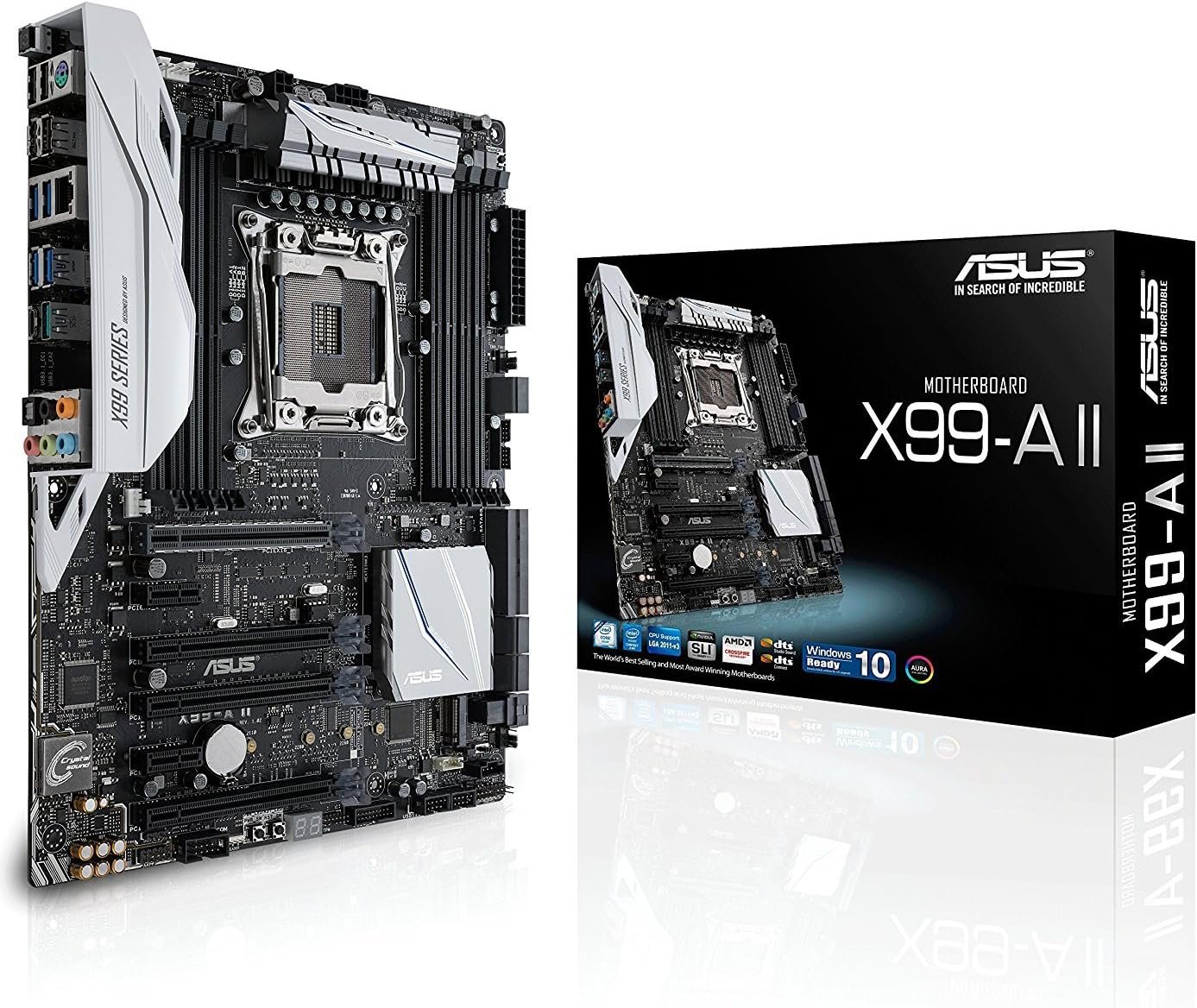
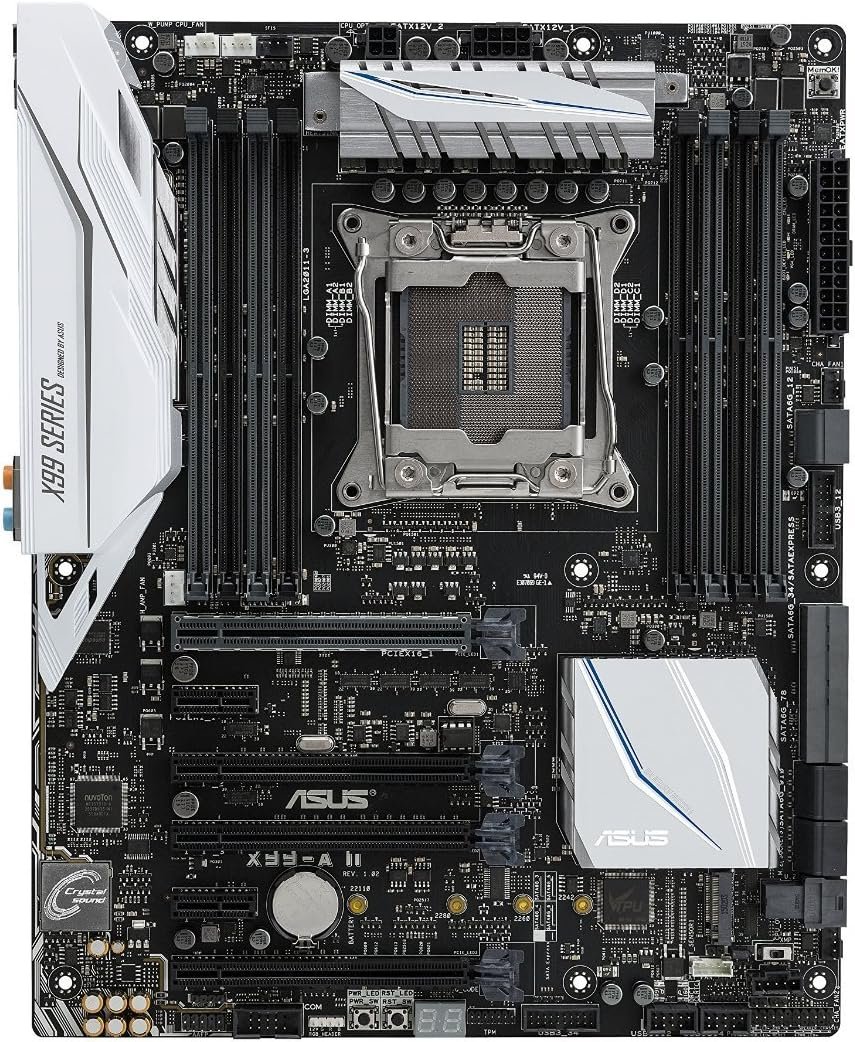
ASUS X99-A II ATX Motherboard (Socket LGA2011) (Reconditioned)
£100.00
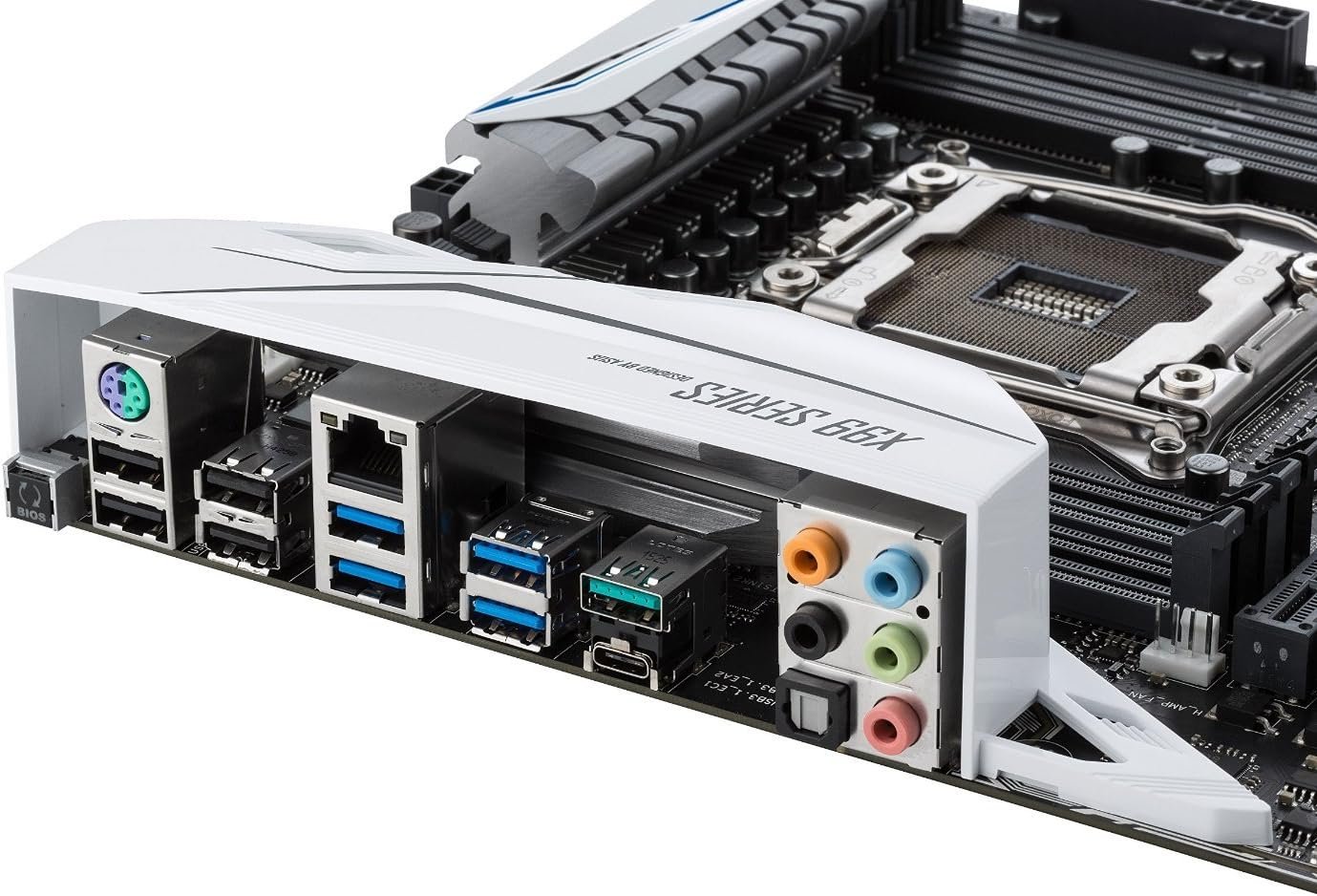
- Next-gen connectivity – Includes extensive upgrades including onboard U.2 / M.2 slots that tap into 32Gbps of PCIe bandwidth, as well as onboard USB 3.1 Type C. ATX Form Factor: 12″ x 9.6″( 30.5 cm x 24.4 cm ).
- ASUS Aura – Features controllable RGB onboard lighting and 4-pin strip header that can be synced with an ever-growing portfolio of Aura-capable ASUS hardware. ATX Form Factor: 12″ x 9.6″( 30.5 cm x 24.4 cm ).
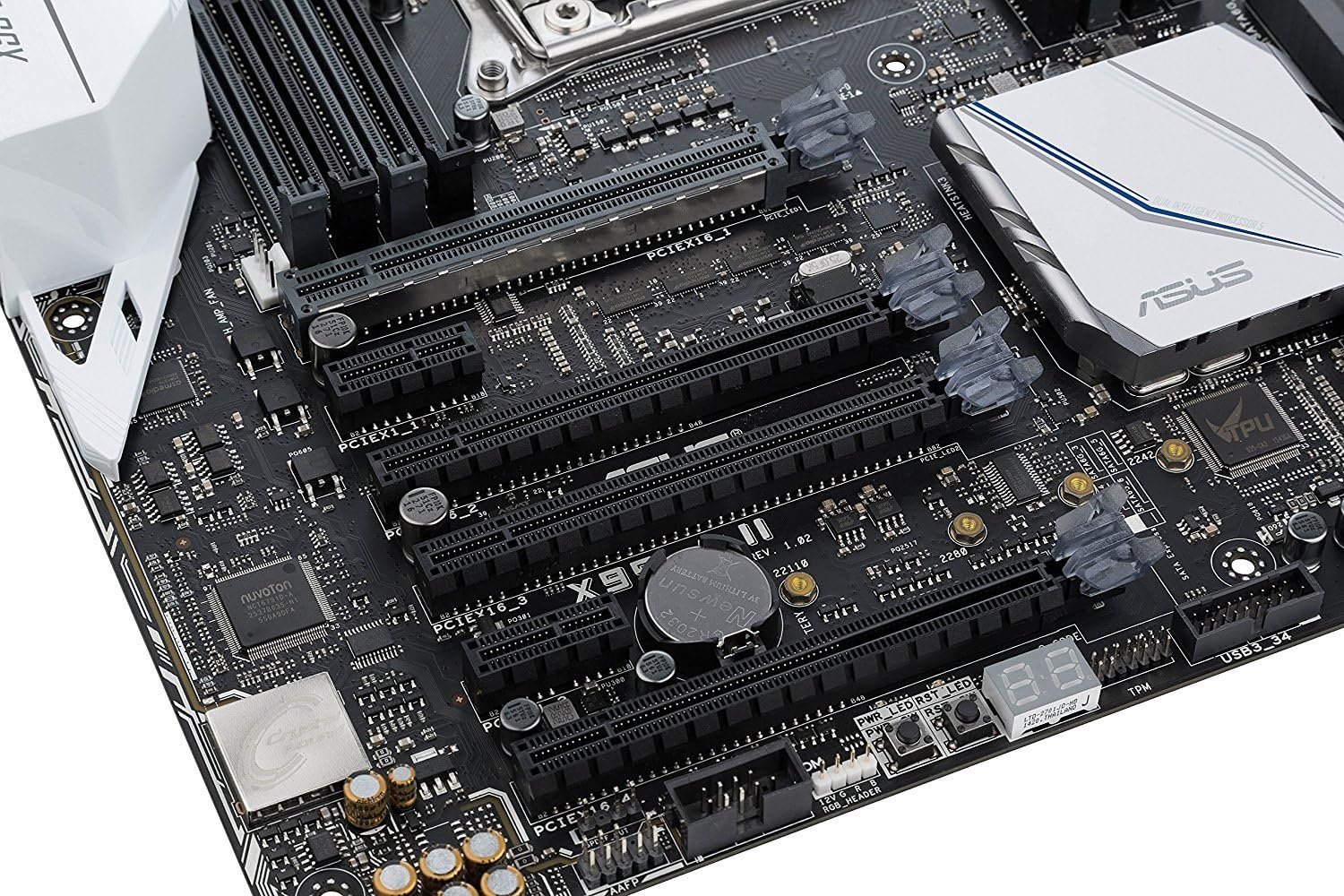
- Patent-pending SafeSlot – Reinvented, strengthened PCIe slot utilizes a new insert-molding process to bind the slot to fortifying metal for superior retention and shearing resistance
- 5-Way Optimization: Fan Xpert 4 – Elevates customized cooling to new heights, with auto PWM/DC fan detection on all headers, utilize high-amperage fans and water-cooling pumps in software and UEFI
- Crystal Sound 3 – Gaming-grade audio with unmatched clarity featuring a new power pre-regulator for clean power delivery, which joins ASUS-pioneered noise isolation design and premium audio components
- NOTE: Refer the User Manual before use.
In stock

Description
Ready for Intel Core i7 X-Series Processors, X99-A II combines renowned 5-Way Optimization 1-click system tuning with onboard USB 3.1 Type C U.2/M.2. ASUS Aura RGB lighting syncs onboard LEDs, LED strip(s) and other Aura-capable components for unprecedented personalization. Lastly, new ASUS SafeSlot keeps your graphics card securely installed.
Additional information
| Weight | 1.905086 kg |
|---|---|
| Processor Socket | LGA 2011-3 |
| Compatible Devices | Personal Computer |
| RAM Memory Technology | DIMM |
| Compatible Processors | Intel Core i7 |
| Chipset Type | Intel X99 |
| Memory Clock Speed | 2400 MHz |
| Platform | No Operating System |
| CPU Model | Core i7 |
| Memory Storage Capacity | 128 GB |
| Ram Memory Maximum Size | 128 GB |
| Main Power Connector Type | 4-pin |
| Graphics Card Interface | PCI Express |
| Memory Slots Available | 4 |
| Number of Ports | 6 |
| S/PDIF Connector Type | Optical |
| System Bus Standard Supported | SATA 3 |
| USB 2.0 | 4 |
| Total USB Ports | 6 |
| Total PCIe Ports | 6 |
| Brand | ASUS |
| Model Name | X99-A II |
| Model Number | X99-A II |
| UPC | 889349399149 |
| Global Trade Identification Number | 00889349399149, 04712900399141 |
| ASIN | B01F854XAY |
| Built-In Media | ASUS Q-Shield, ASUS SLI bridge, CPU Installation Tool, M.2 screw package, RGB LED extension cable, Serial ATA 6.0Gb/s cables (4), Supporting DVD, User's manual |
| Item height | 12.91 inches |
| Item Weight | 4.2 Pounds |
| Manufacturer | ASUS, ASUS Computer International Direct |


BobbyB –
I like this motherboard because it supports 40 lanes of PCIE video cards. That means two running with 16 lanes, and a third running at 8 lanes. I used to be an online gamer, but I’m not anymore. I’m a contributor to Folding At Home: Google it. I can do a little overclocking on the CPU, and some on the DDR4, and with an SSD drive running it all, I am contributing to SCIENCE, AND I’m competing with other obsessive-compulsives for points in Folding At Home.Without this motherboard, or something very much like it, I could not do that. I recommend the 6-core X99, because it supports the 40 lanes of PCIE video cards (for me, NVIDIA, video cards) that produce so much scientific advancement that will produce a comprehensive data-base about how proteins are constructed in our bodies. That data-base may not lead directly to cures for many horrible diseases, but it will surely become a basis by which to know where to look next; AND, most importantly where NOT to look.Now, if you’re an online gamer, this is also a treasure. It doesn’t cost much, the price of the DDR4 has dropped a lot, and a 6-core 5930K isn’t bad either. If you want to game like a master, then you’ll get a 5960X CPU, and three NVIDIA GTX 980-Ti cards, in SLI mode, or the same with two GTX 1070 or 1080 cards in SLI; and you’ll overclock everything more than I do. And you will gain a second or two b4 you are killed by someone with more experience and (maybe) just a little better setup than you have.I’ve mostly left Windows behind. I use Linux now. It doesn’t suffer from the thousands on inlet spots for hackers, even the poor ones. So I don’t use any of the Windows options built into most motherboards now. I don’t miss them. This is a thoroughly stable platform, whatever OS you use. If your are looking at GTX 1080 or 1070 cards, you only need two of them to outperform 3 X GTX 980 TIs. So what’s not to love?
K –
Do not buy this. Not only did it have problems, but the whole process of getting it fixed is a nightmare and took over a month.About 6 months after I built my computer, it randomly turned off one night. It took me maybe 30 minutes or so to get it to boot up again, and then it ran for a few more months with minimal problems. About 2 months ago, the problem came back, only it would not stay on for more than a couple days, and sometimes would even turn off after less than 10 minutes. I did what I could to try and diagnose and root cause the problem, and then I contacted Asus and told them about this problem. Since the computer would randomly shut off (not restart), they told me it was probably caused by the power supply or the motherboard. Luckily I had a spare power supply so I could test that out as well, but it did not fix the problem, so I sent in my board to be repaired.Fast-forward a little over 2 weeks later (~1 week to ship the board there and 1 week to ship it back) and I got MY board back. Yes, that’s right, they gave me the exact same board back. The report said that they had tested it and it was okay, but from what I saw, it was in even worse condition because when I plugged in all the components and turned it on, it would immediately shut off. (This behavoir will be important later) This kind of problem is usually caused by a short, but I made sure the motherboard was not shorting out. Couple days later I called them back and they said they were sorry about sending a broken board back and would replace the board, but then proceeded by doing absolutely nothing. 3-4 days later I called back wondering if they were going to send me a new RMA number and they told me there was no record, but they could open a new RMA request. I spent maybe 1 hour on hold before the guy came back and told me their systems were being updated and to call later. At this point I was losing my confidence that I would be able to get a replacement, so I went ahead and ordered another board because the problem had gone from instability to completely broken.2 days later I get a new board from Amazon, and build my computer but got qcode 00. This was with just the cpu in the motherboard, and from research online this is caused by: bad power supply, bad motherboard, bad cpu. Now the power supply I knew was working because I had tested it, and the same for the cpu because it was just stability issues before I sent it in so I assumed it was the motherboard and sent it back to Amazon for a replacement. When I got the replacement, I again got qcode 00, and at this point I contacted Intel to replace my cpu. The support from Intel is literally night and day and I got the replacement cpu shipped overnight for just $25. Better yet, the problem was fixed with the new cpu and I literally threw my old motherboard in the trash rather than deal with Asus customer support again.At this point I have concluded that Asus took in my board, did some testing with it, and sent it back with some other problem which caused it to fry my cpu. Made me waste another week thinking that it was still a motherboard problem, and finally get Intel to send me a replacement cpu for $25. I have read others having these boards fry cpus, but I never thought one that I just got back from Asus would do this. I am fairly certain the cpu was fine before I plugged it in the board that I got back from Asus since it was working fine when I sent the board in. The board works fine when it works, but that doesn’t seem to be for very long and when you have problems, and you will have problems, you will be deeply regretting your decision. I know I am.
Chris –
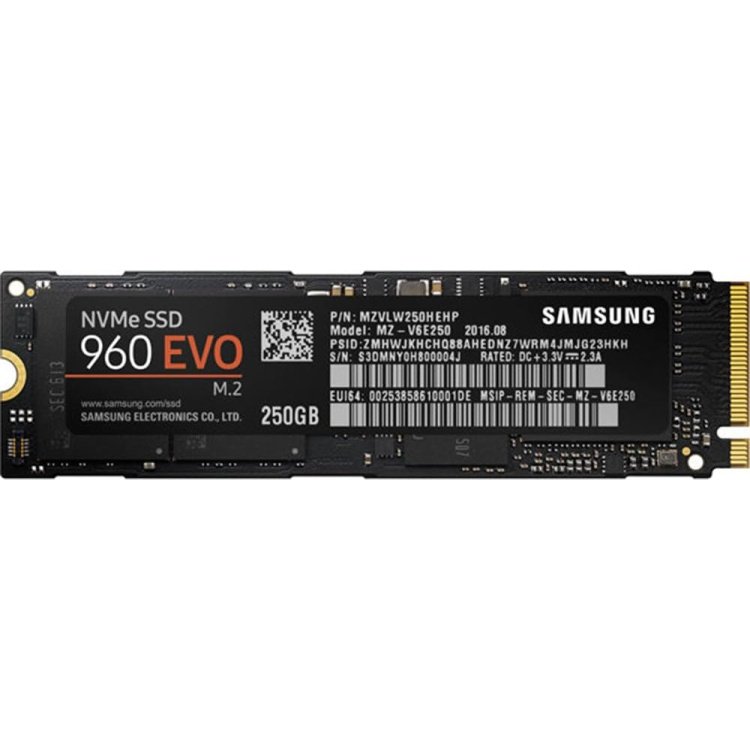
In my opinion, this is the best LGA2011-v3 for the money out right now. I’m running a 6850K with it. The manual is misleading for memory capacity, as it alludes that 8GB DRAM sticks are the largest it supports, but clearly since it can support 128GB with 8 DRAM slots, that works out to 16GB per stick. I believe this is a typo in the manual, so for anyone who came to the same question I had: yes this works with 16GB DRAM sticks – I’m using them right now.Works with M2 drive out of the box, no BIOS update required. YOU CANNOT USE XMP WITH AN M2 DRIVE!!!!!!!! BE WARNED!!! IT HALVES THE M2 BANDWIDTH FOR UNKNOWN REASONS!!!! (read: If you’re planning on using an M2 drive, don’t go crazy on overclockable memory!!!)This thing looks beautiful, so please buy a case that will allow you to show it off! If you have an ASUS GFX card, then you can sync the LEDs on both the MB and GFX, which can look really cool! Additionally, you can plug other 5050 LED strips into the MB to also sync those!I’ve always used ASUS MBs because I think they offer superior component quality. I can’t speak about longevity of this MB (obviously yet), but I can of my last ASUS MB, it is still working great 6 years later – even after UPS threw the thing around and the PSU was somehow unhinged, with the screws still attached to the PSU, and visibly damaged both caps and the board! Yet to no avail, it still works great to this day!
Laxman Sai Teja –
Best Motherboard and premium quality
Pros:1. Best entry level motherboard for LGA2011 chipset2. Premium quality, has white led lights3. Arrived before estimated deliveryCons:1. No warranty2. Serial code already used